What a Good AI Video Test Actually Measures
 Creative Studio Editorial
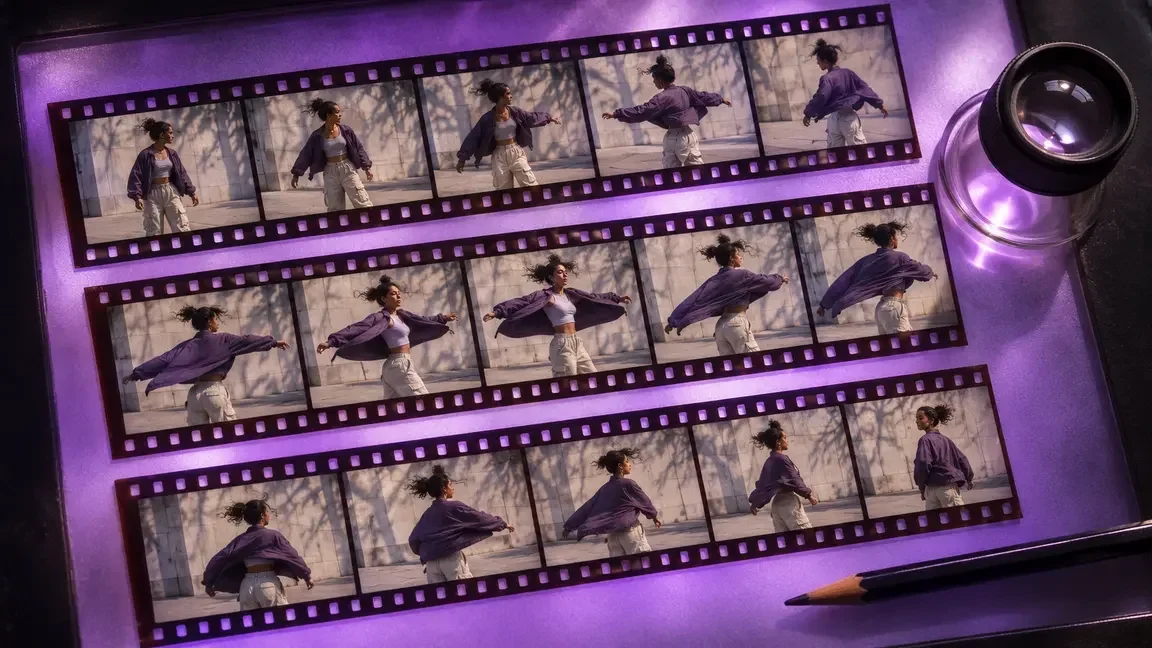
In a short dance film, the editor needs a wide shot of a dancer turning on a sidewalk. The scene cuts from a shoe landing to the turn and then to a reaction across the street. Of three generated takes, the one everyone remembers has beautiful light. It also starts after the weight has shifted and ends before the dancer plants their foot. The editor can use it as a standalone clip. In the film, the two cuts are still missing.
A useful video test starts with the decision the team has to make in the edit. For this sequence, the question is whether the turn has an entry and an exit the surrounding shots can use. Choose a test that exposes those moments.
Watch the cut before the clip
Drop each take between the same two neighboring shots. Play the sequence at normal speed, once without stopping to discuss the candidate. Check whether the action seems to continue across the cuts. The direction of the turn, the planted foot, and the dancer's eye line may matter more in that sequence than the detail in the brickwork.
Then watch the candidate on its own. A flaw in the unused tail may be irrelevant to that edit. A small jump on the exact frame where a foot takes weight can be hard to work around. Record where the break happens and what it changes for the viewer. A note like “weight shifts before the incoming cut” can send a team back to the right part of the shot.
Mark what the editor can take
A contact sheet helps when you want to compare body positions. For a timing decision, pair it with a playable cut and timecodes. In this example, a take could get a note such as “usable from the heel plant to the end of the turn, with one opening beat available.” A second take might cover the first cut beautifully but lose the dancer behind a passerby on the exit.
Use these three questions to make notes for the edit.
- Does the action read at the speed and crop of the finished sequence?
- Where can the editor cut in and out without losing the event?
- Can the take survive a small timing change if a neighboring shot moves?
With those notes on the table, an editor can call a take usable even if it has less dramatic lighting. The same notes may show that two takes would serve different versions of the scene.
Leave a decision another editor can repeat
Write the outcome in plain language. For the sidewalk turn, the recommendation might be to use the second take and trim the reaction shot by a few frames. Include a time range, a short reason, and a backup. Keep the sequence that supports the call so another editor can check it without recreating the session.
Share the result with the person producing the next take. The most helpful request may be for a few frames before the dancer shifts weight, or a clean hold once the foot lands. A test pays for itself when it gives the next person a visible thing to change and a clear place to check whether it worked.